


Mimecast - Outlook Tab Not Showing Options to Search

Apr 02, 2024
 132
132
What the Issue Looks Like
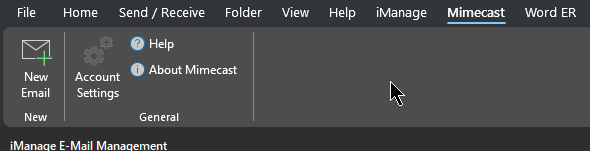
- Sometimes, Mimecast will show this and will not let you conduct a search.
- This is due to the program needing to re-authenticate with our systems.
To Resolve:
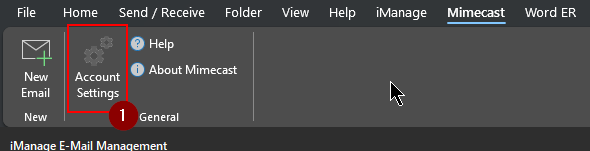
1. Click Account Settings.
2. A window will appear and it should instantly sign you back into Mimecast.
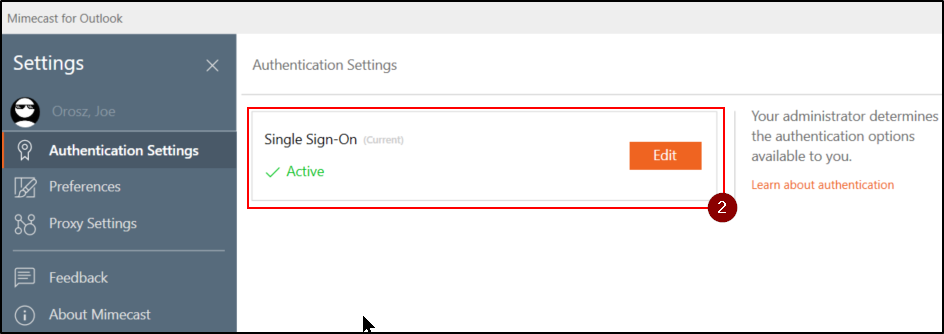
3. Close this window and your options should re-appear.

Questions? Contact Us!
IT Support Desk


Hours - 8:00AM - 6:00PM EST
Email - [email protected]
Phone - (330) 849-6699*
*For Emergency Assistance please use option 8

