



 65
65
InTapp - Adding Parties to Open/Existing Matters
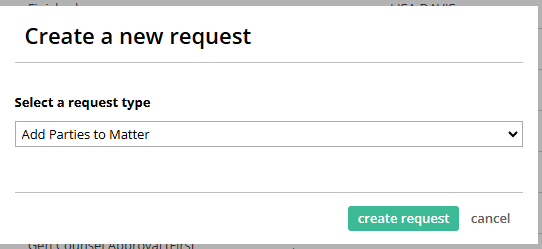
1. You will go to CREATE NEW REQUEST
2. Choose Add Parties to Matter
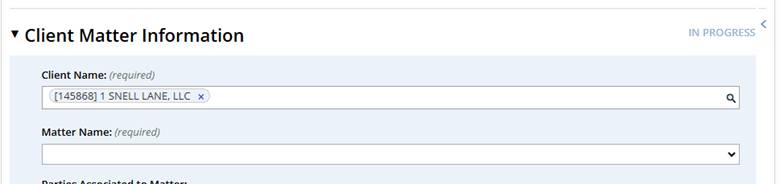
3. You will select your client by number or name.
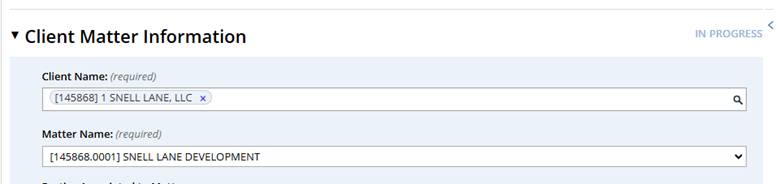
4. Then choose the matter – there is a drop down.
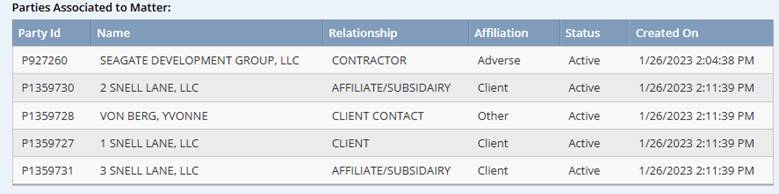
5. Once you choose the matter number, you will see the current parties associated with the matter. This is just informational in case you’re not sure it a party is already listed.
6. Underneath the parties is a box where you will explain what has changed with the matter and reason for the party addition.

7. Next will be where you add the additional parties. This is set up just like the normal new matter form. We expect a full legal name, party type, role and relationship to the matter and full address.
8. Once it is completely filled out, hit add.
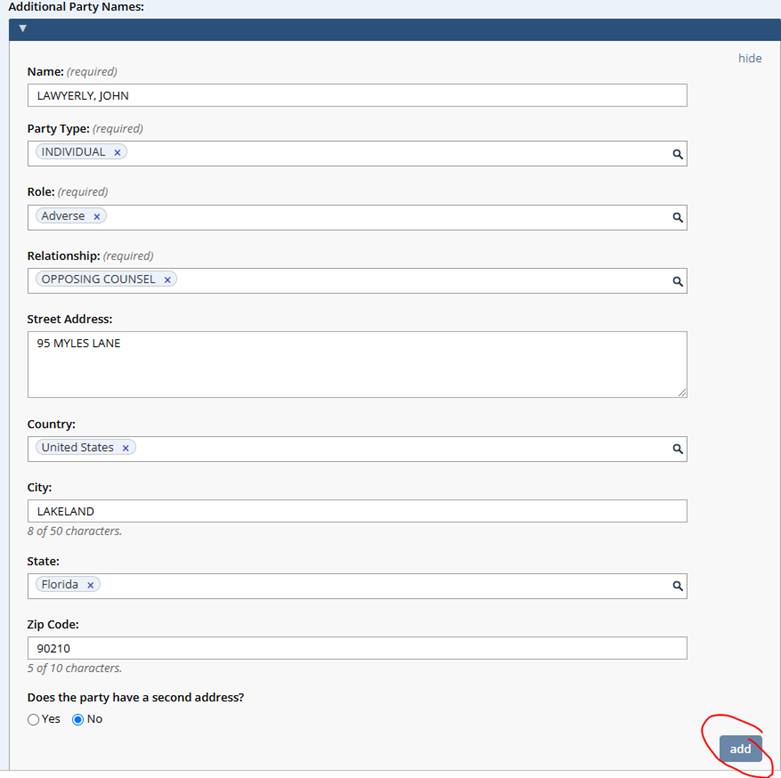
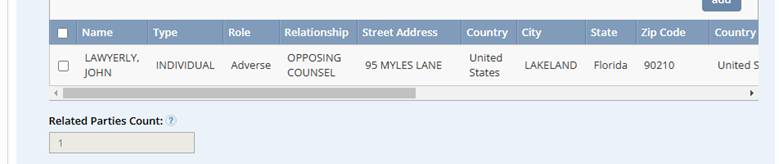
9. The party will drop down for the conflict search/related party grid.
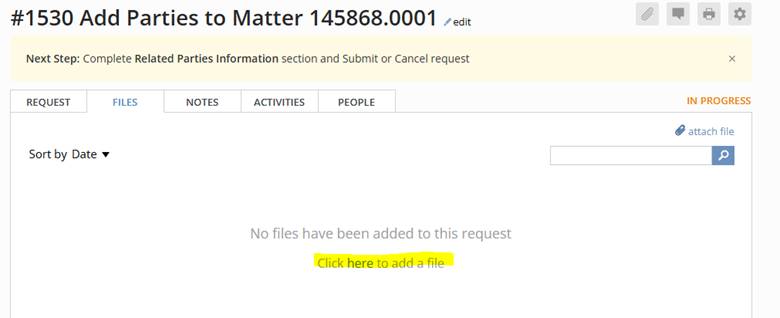
10. If you have waivers or further documentation to provide, you should go to the top of your page and attach under the files tab.
11. Once all of your information is added, you can submit.

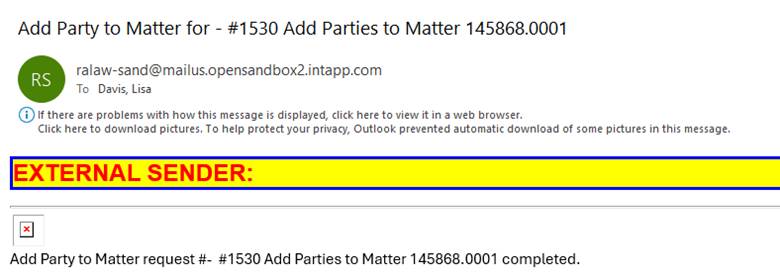
12. We will run the conflict search on the additional parties and add them to the matter. You will receive an auto email confirmation that it has been completed
Questions? Contact Us!
IT Support Desk


Hours - 8:00AM - 6:00PM EST
Email - [email protected]
Phone - (330) 849-6699*
*For Emergency Assistance please use option 8

